Skip to main content
.jpg)
Tour Your Way
Take a Self-Guided Tour Today!
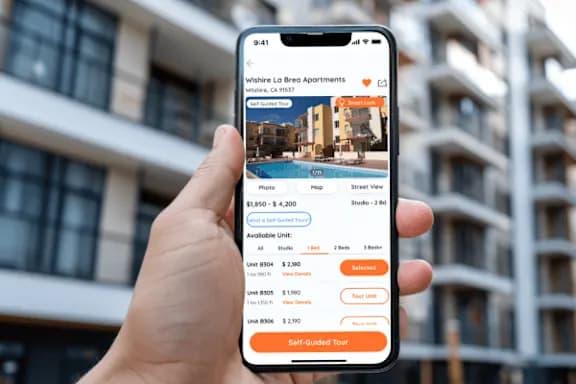
Tour our vacant units, explore the community and amenities on your schedule, all without a leasing agent! Book a tour early in the morning, after regular business hours, or even on the weekends. Simply select the “Self-Guided Tour” button to begin scheduling.
Our secure self-guided tours are powered by Rently.
Step 1: Browse Listings & Book Your Tour
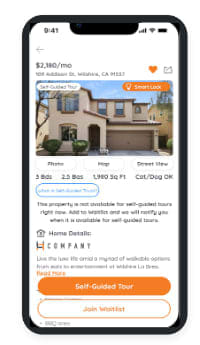
- View our listings, choose the unit(s) and any amenities you’d like to tour, register and select a convenient day/time for your tour.
- Confirm your identity with a government-issued photo ID, a quick selfie, and answer a few questions.
- Once verified, your tour is now booked – you’ll receive a confirmation with all the details.
Step 2: Check-In For Your Tour
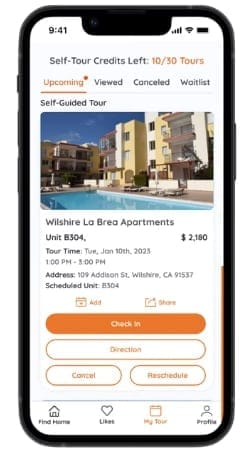
- Upon arrival for your scheduled tour, sign-in to the Rently app or web browser to check-in and receive instructions to enter the community. You should be at the community or within close proximity before you check-in.
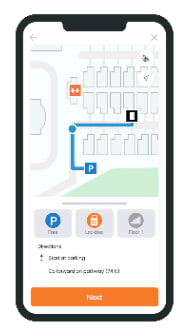
- The Rently app or web browser will help you navigate to the best place to park before your tour, get you on the right walking path to find the unit(s) to tour, plus view the community amenities, and then get you back your vehicle, right from your phone!
Step 3: Take Your Tour
- The Rently app or web browser will guide you through your journey, you’ll be able to check out the community’s amenities, if amenities are available to tour.
- Enjoy exploring the available unit, every room and living area as you would with an agent.
- Once you finish touring, place the keys back in the lockbox (if keys were provided) and confirm the door is locked as you exit.
Step 4: Tell Us What You Think
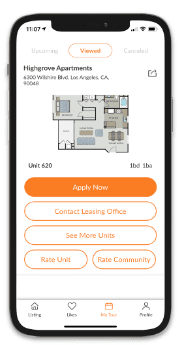
- Once your tour is complete - simply tap the “END TOUR” button on the Rently App or web browser and you’ll be prompted with directions to get back to your parked vehicle.
- You'll also be asked to rate your tour.
- If this unit is the ONE, be sure to submit an application.